Volume Control gives you the ability to backup your settings and easily transfer them between devices.
To Create a Backup:
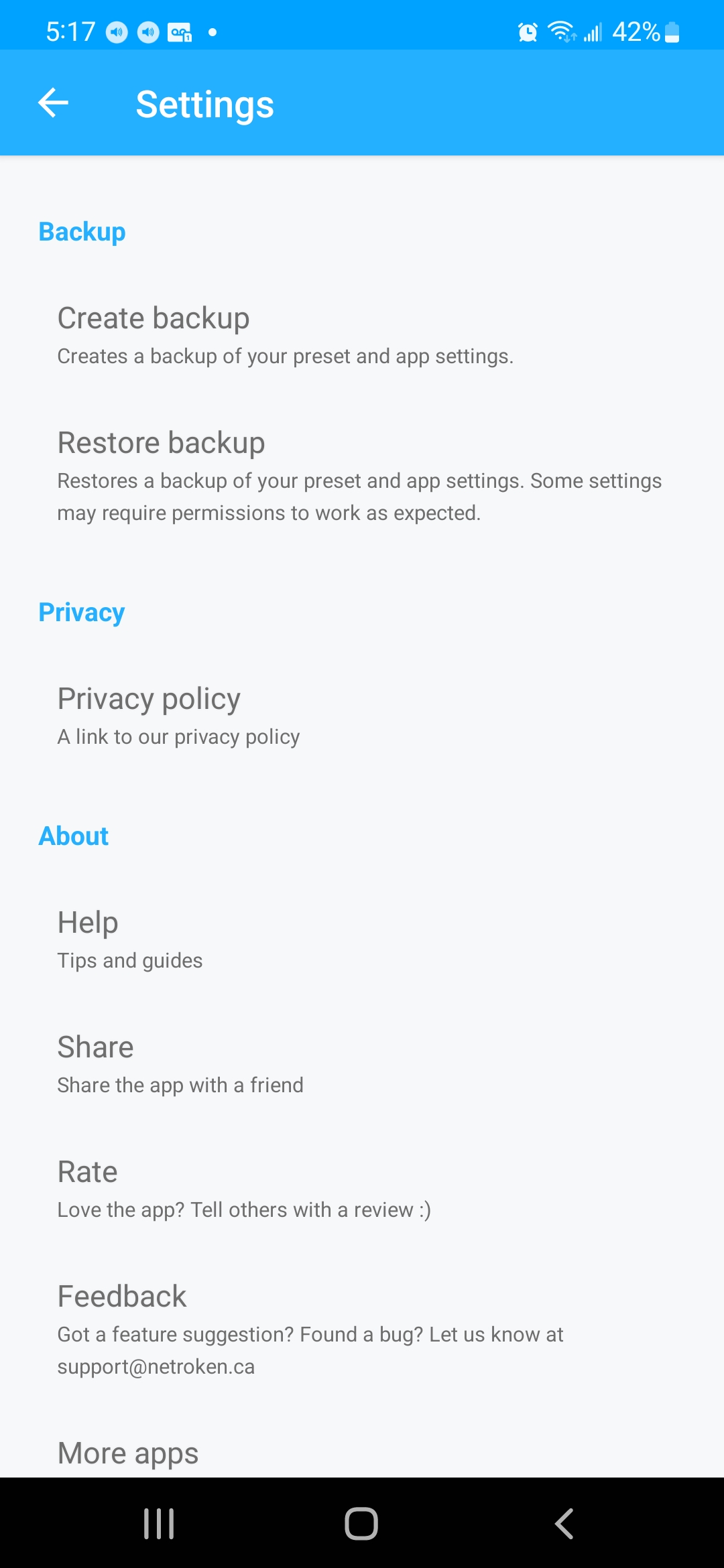
- Navigate to the settings of the app and tap on 'Create Backup'
- Save the file locally to your device
- Move the file to an external file storage (DropBox, Google Drive etc)
To Restore a Backup:
- Ensure the backup file has been saved locally to your device
- Navigate to the settings of the app and tap on 'Restore Backup'
- Select the backup file on your device

0 Comments