Volume Control now allows you to set a maximum volume for each of the volume levels in the app.
This feature can prevent your device from increasing the volume above a specific level.
To add a volume limit to your preset, please see the instructions below:
Navigate to the presets tab in the Volume Control app:
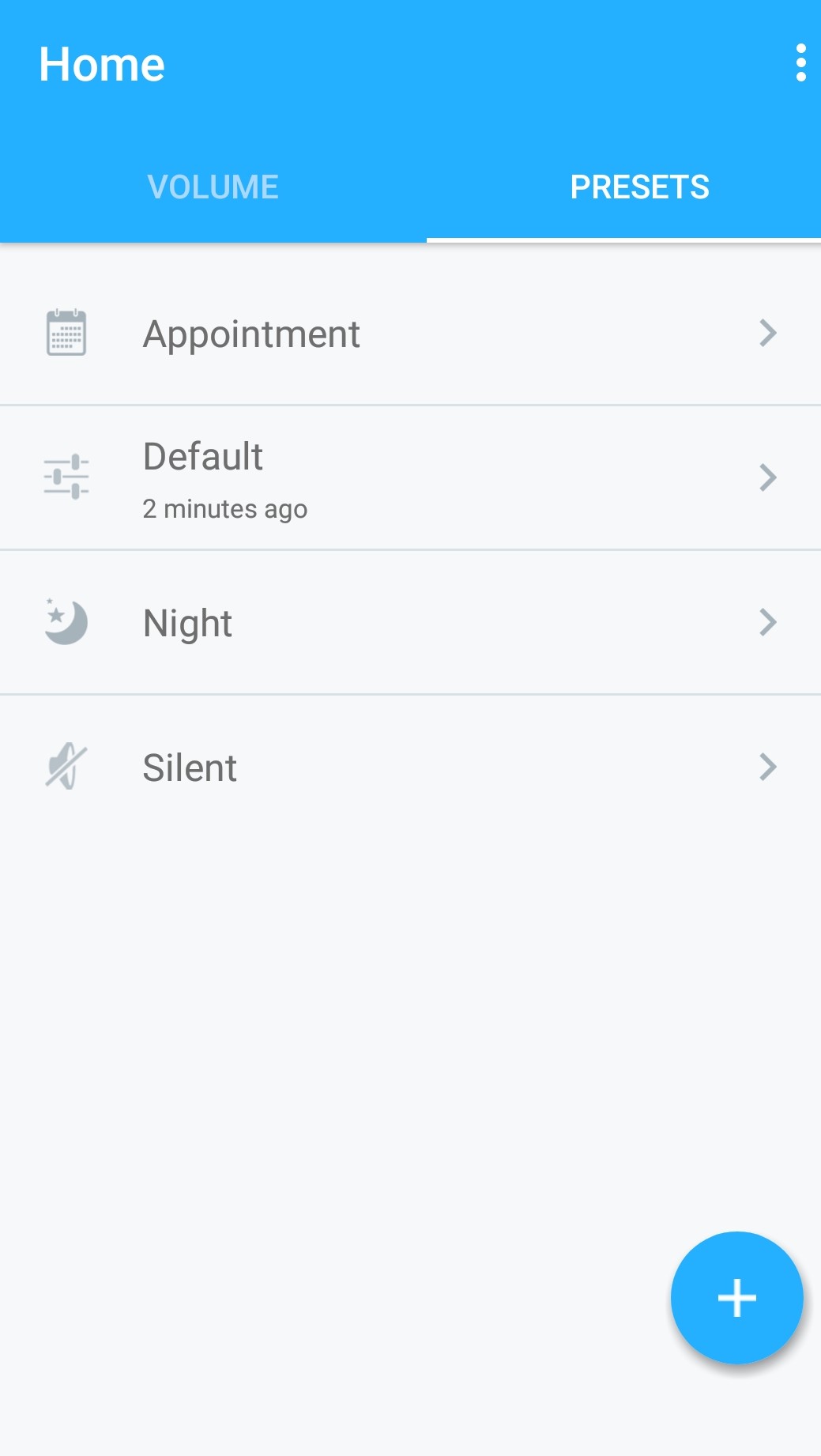
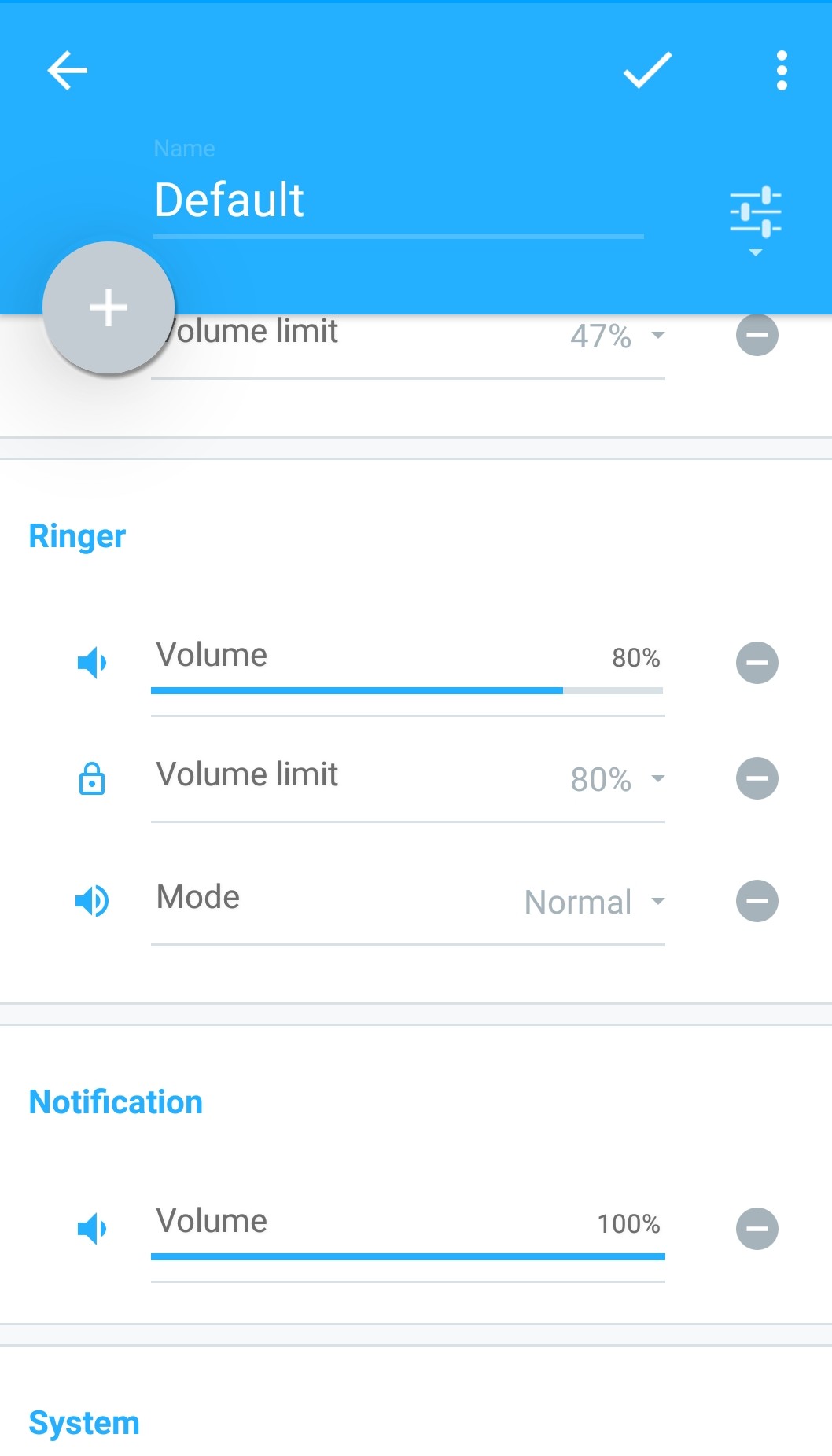
Tap on your preset of choice, and tap on the '+' icon to add a volume limit (this example uses the ringer volume)
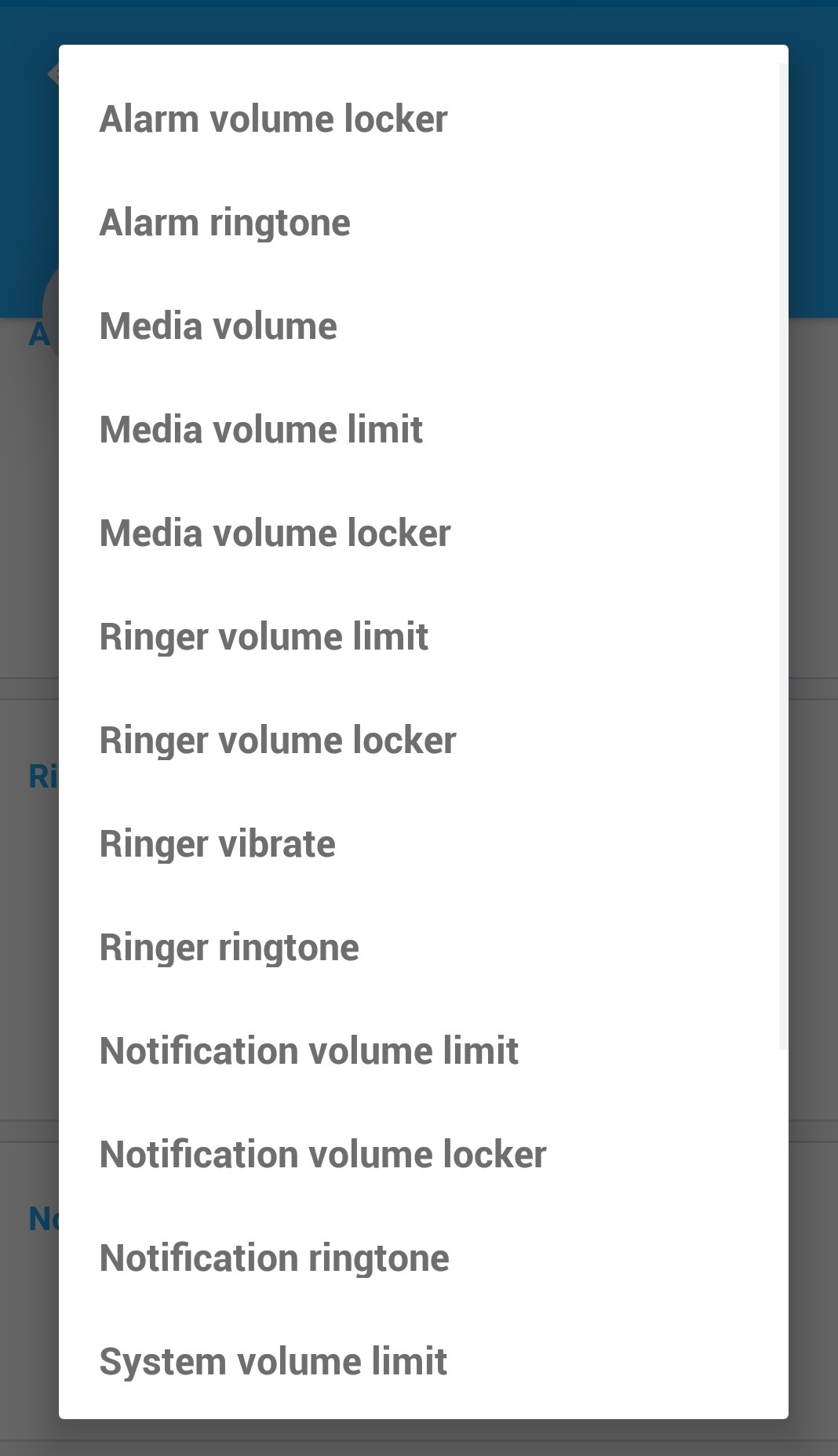
Set the volume limit at the desired level (e.g 53%) and save the settings with the check mark icon.
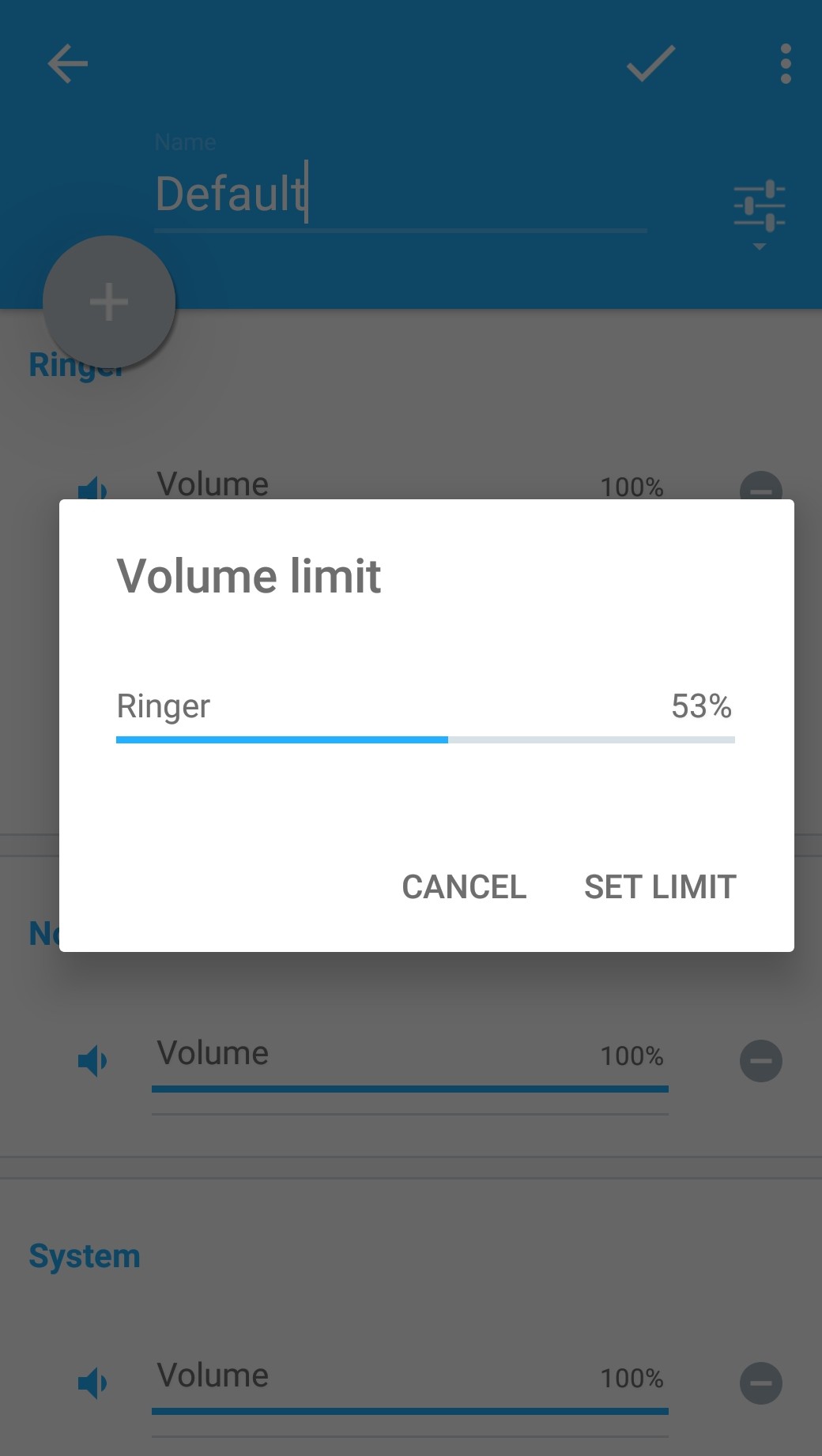 |
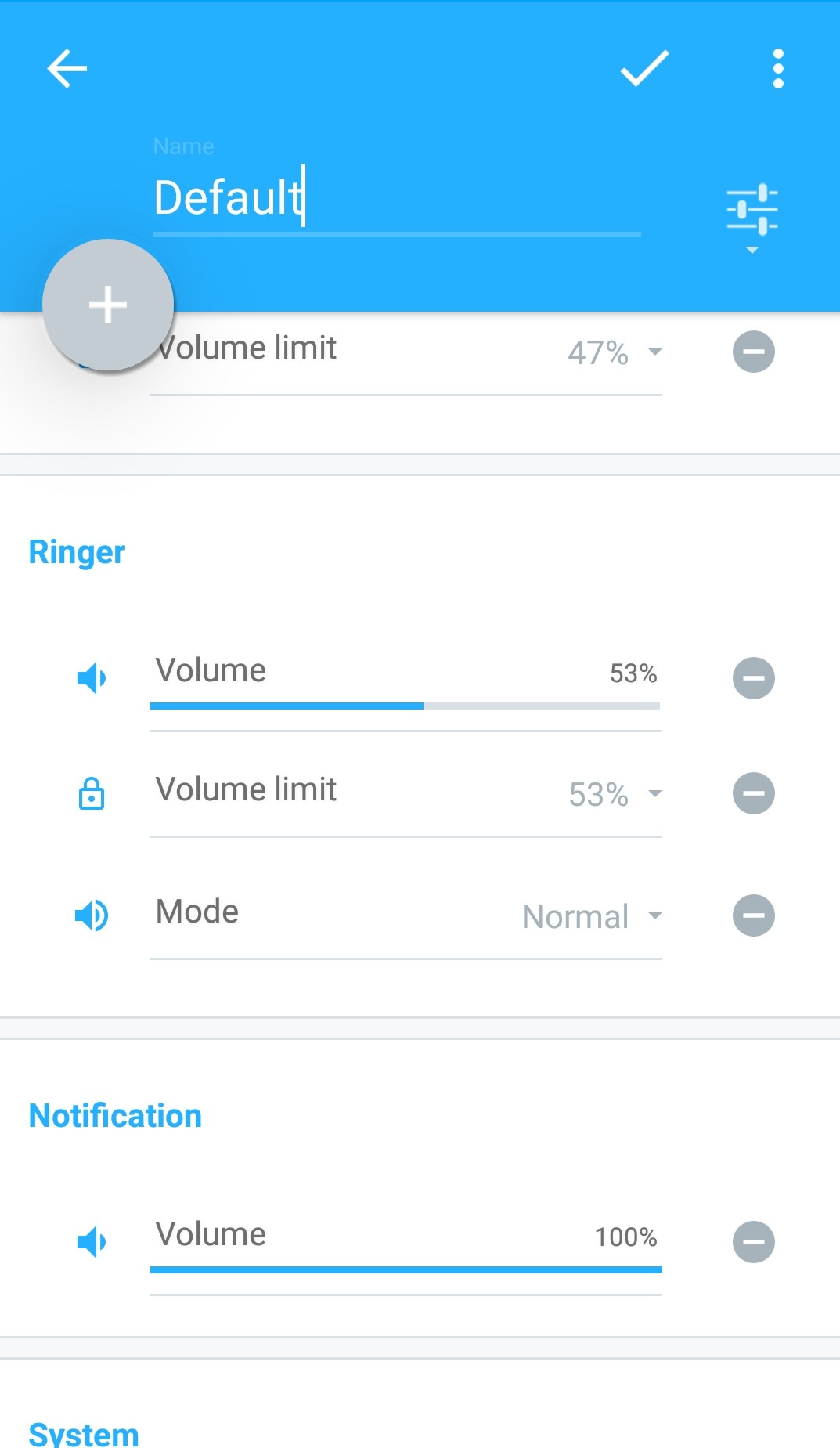 |
You can edit the preset to increase the ringer volume above the volume limit. The volume limit will adjust to the maximum of the two.
You can also edit the volume limit in the volume tab of the app
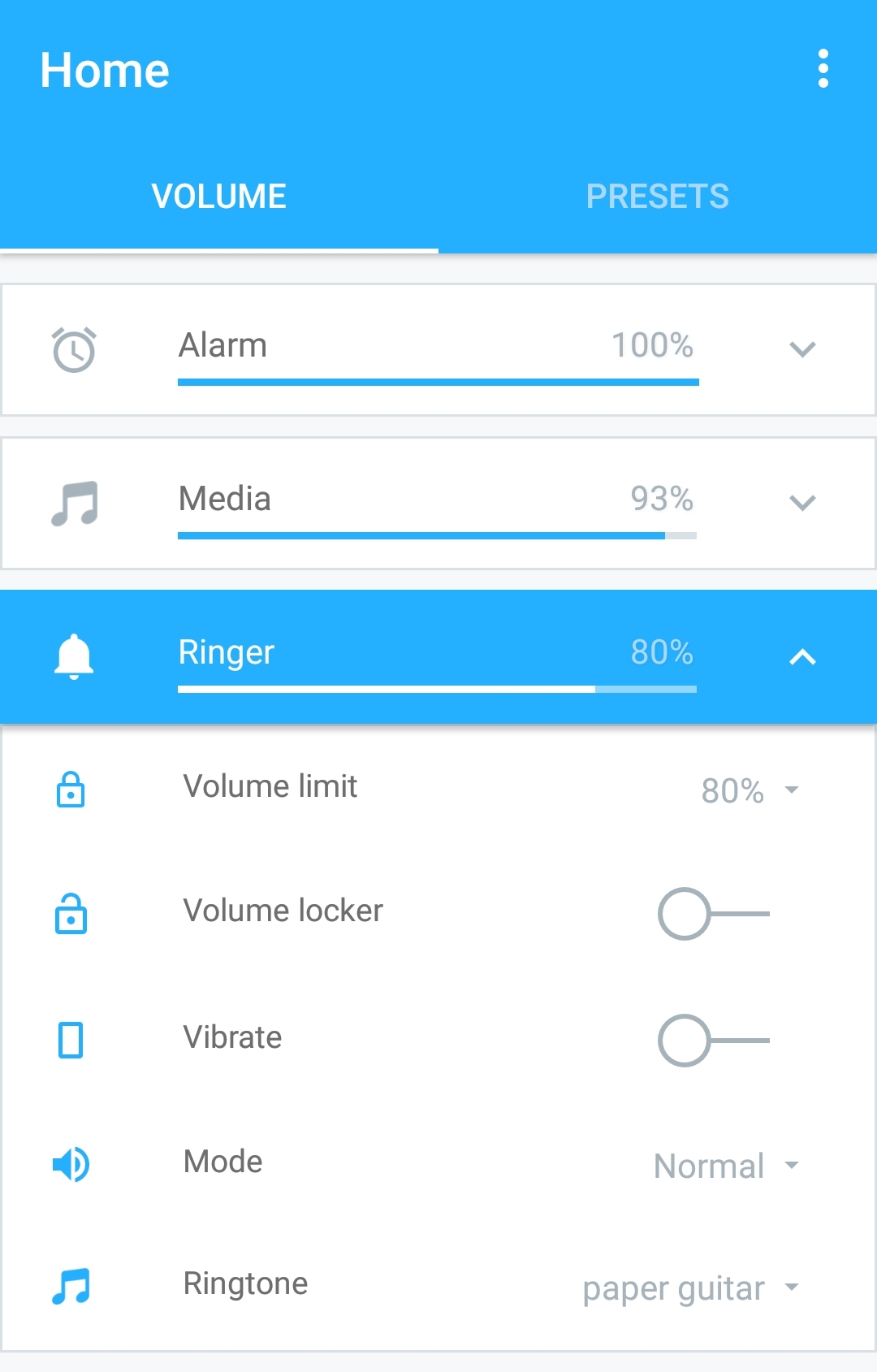
Outside the app, manually increasing the ringer volume above the volume limit will be prevented.

0 Comments