Follow

Floating Volume Control

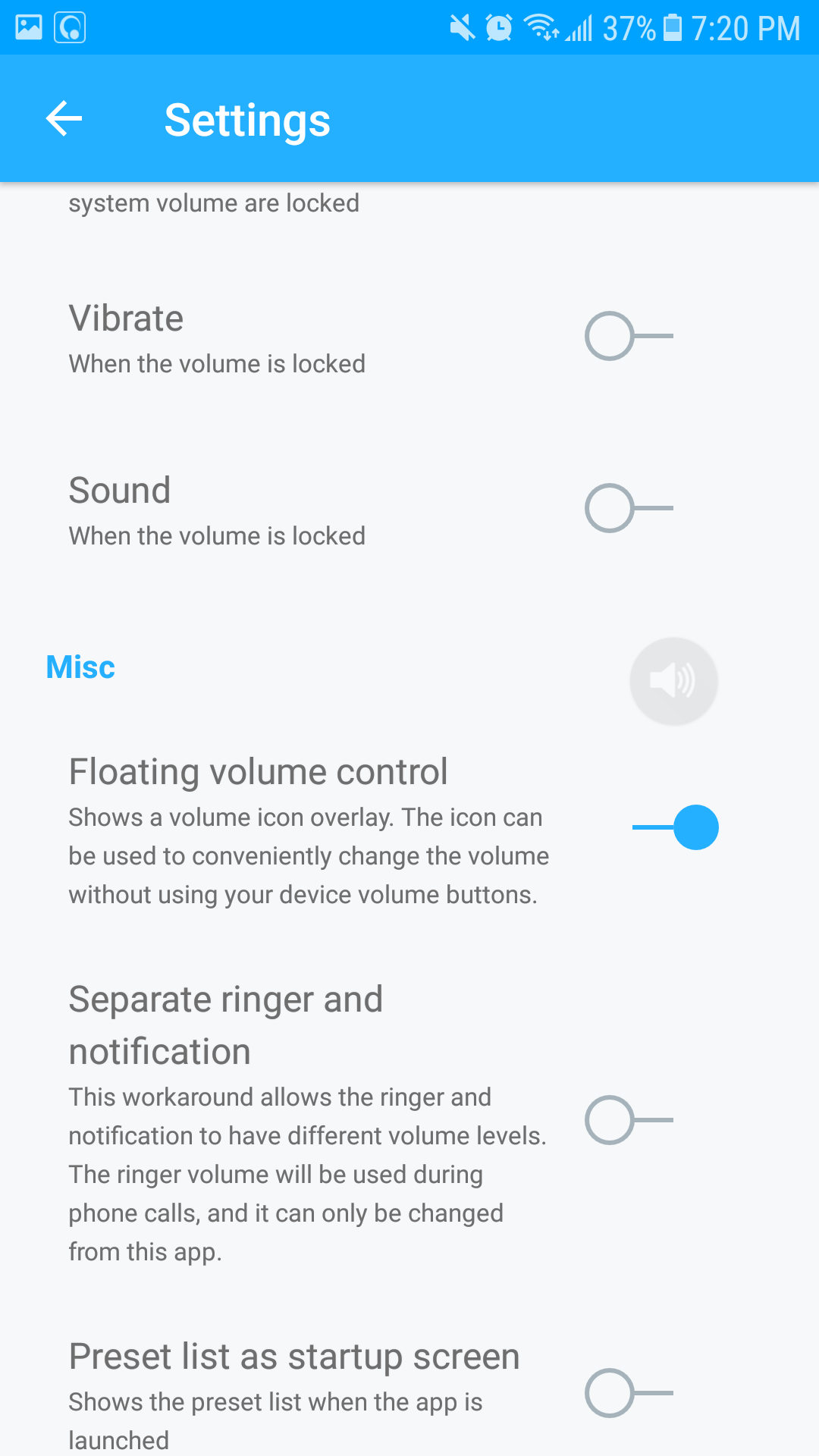
This feature allows you to conveniently adjust the media or ringer volume on the screen.

It can be enabled in the settings page of the app:
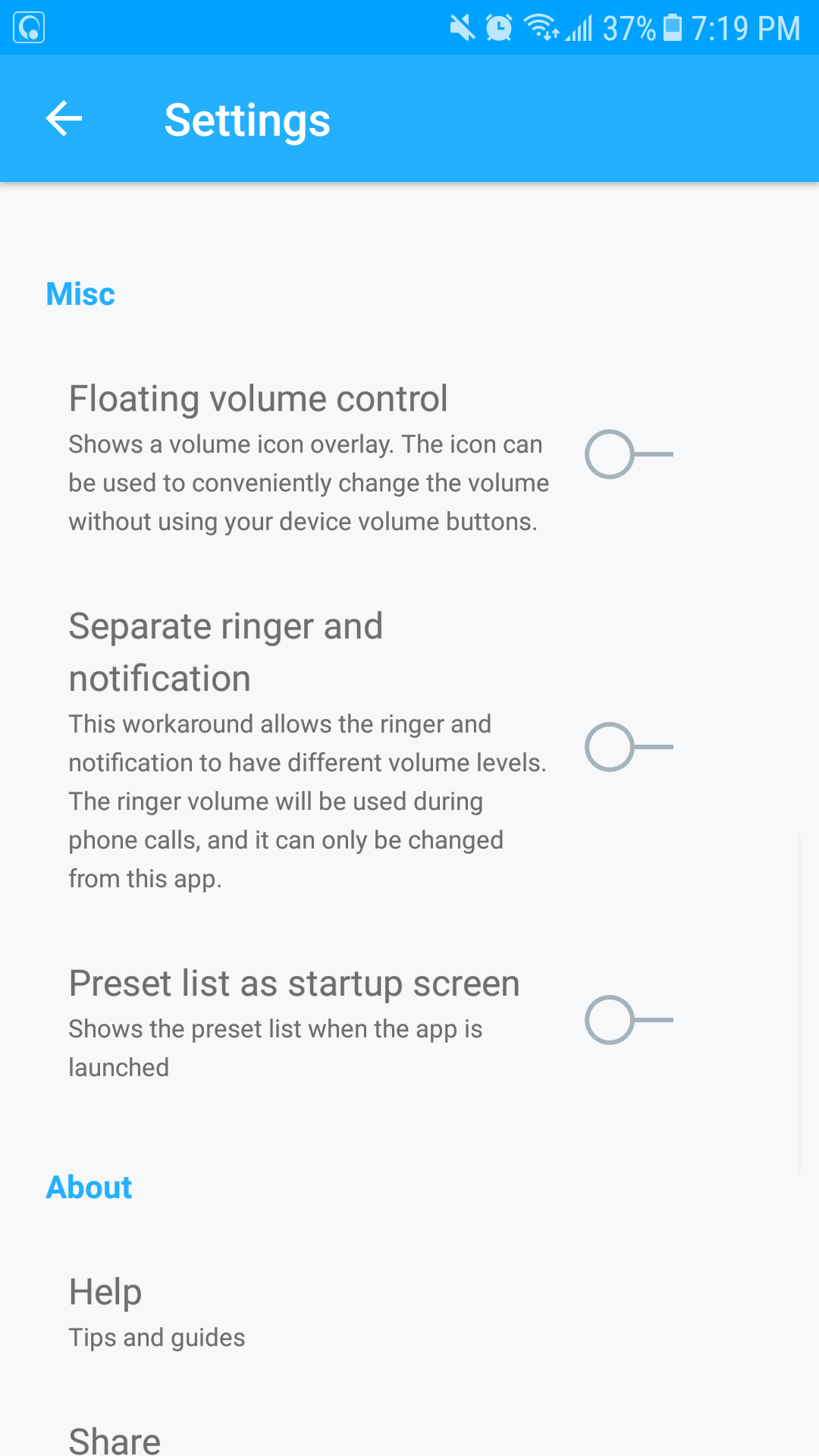
Navigate_to_the_settings_page.png      select_floating_volume_control.png


                           Tap on the floating volume button to easily adjust your volume.

                                       click_on_floating_volume_control_button_to_easily_access_media_or_ringer.png

The floater is transparent and will not disturb your screen display. Ensure that you have permitted screen overlay for the app in your phone's settings.


Enjoy the feature!

Was this article helpful?
0 out of 1 found this helpful
Have more questions? Submit a request

0 Comments

Please sign in to leave a comment.
Powered by Zendesk